Never lose your place
Every game resumes exactly where you quit. Three save-state slots per game, each with a picture, plus automatic saves every few minutes.
For iPhone, iPad and Mac
Carta plays the console, handheld, arcade and computer games you own, across 52 systems, with save states, controller support and saves that follow you between devices.
Free to download with six homebrew games included. Unlock Carta once on iPhone and iPad to play your own games; the Mac app is free. No subscription, no ads.
Why Carta
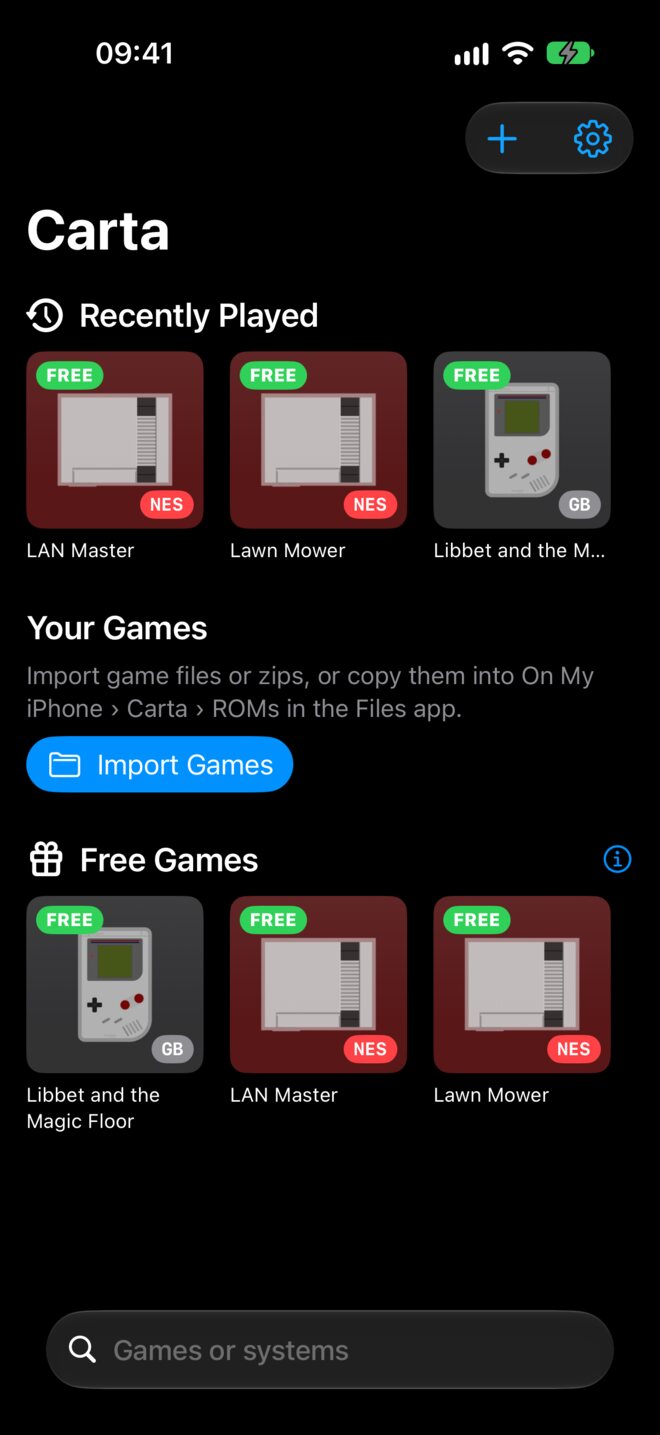
Import a game, tap it, play. Carta takes care of saves, controls and box art so you can get on with the game.
Every game resumes exactly where you quit. Three save-state slots per game, each with a picture, plus automatic saves every few minutes.
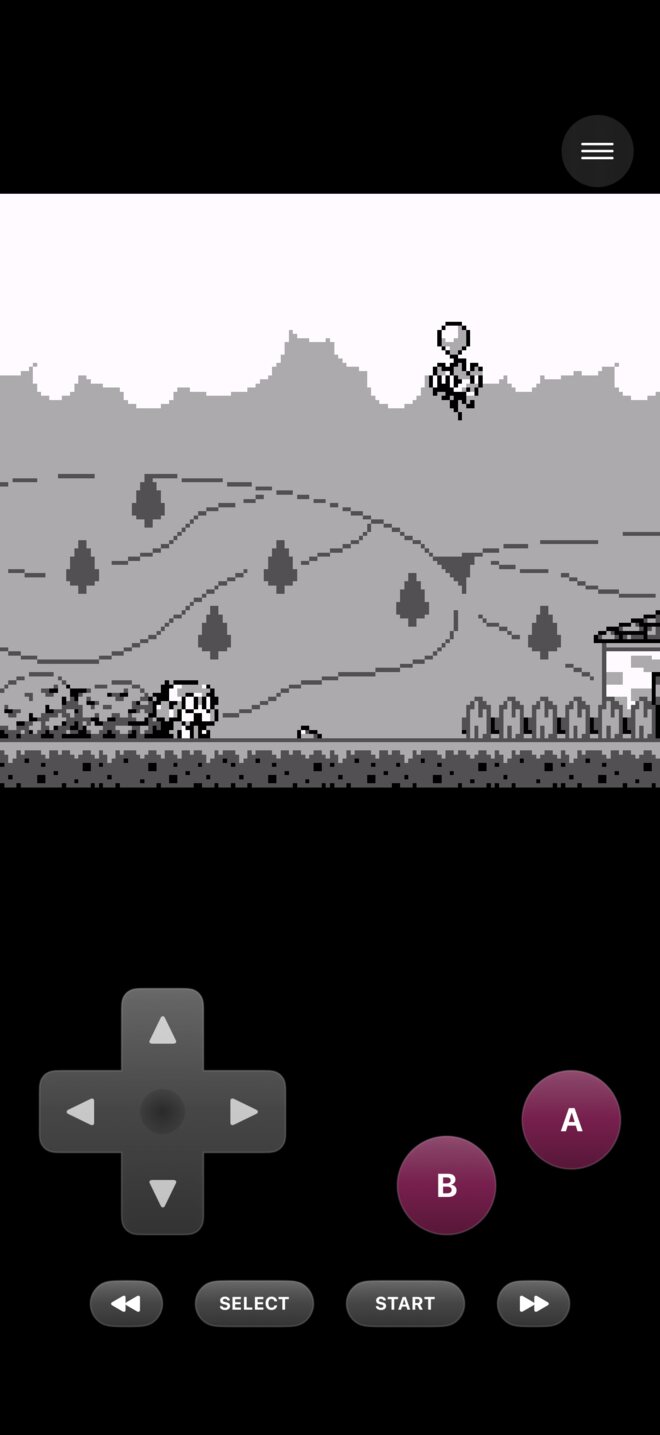
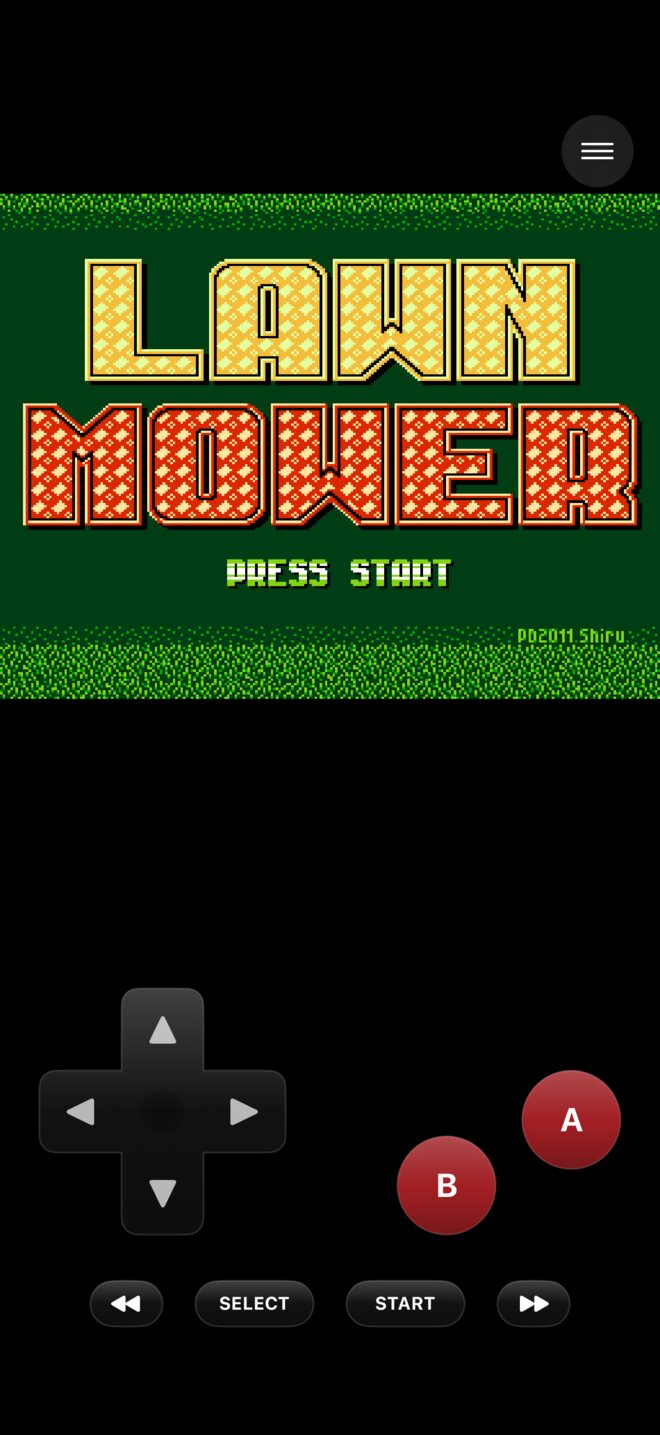
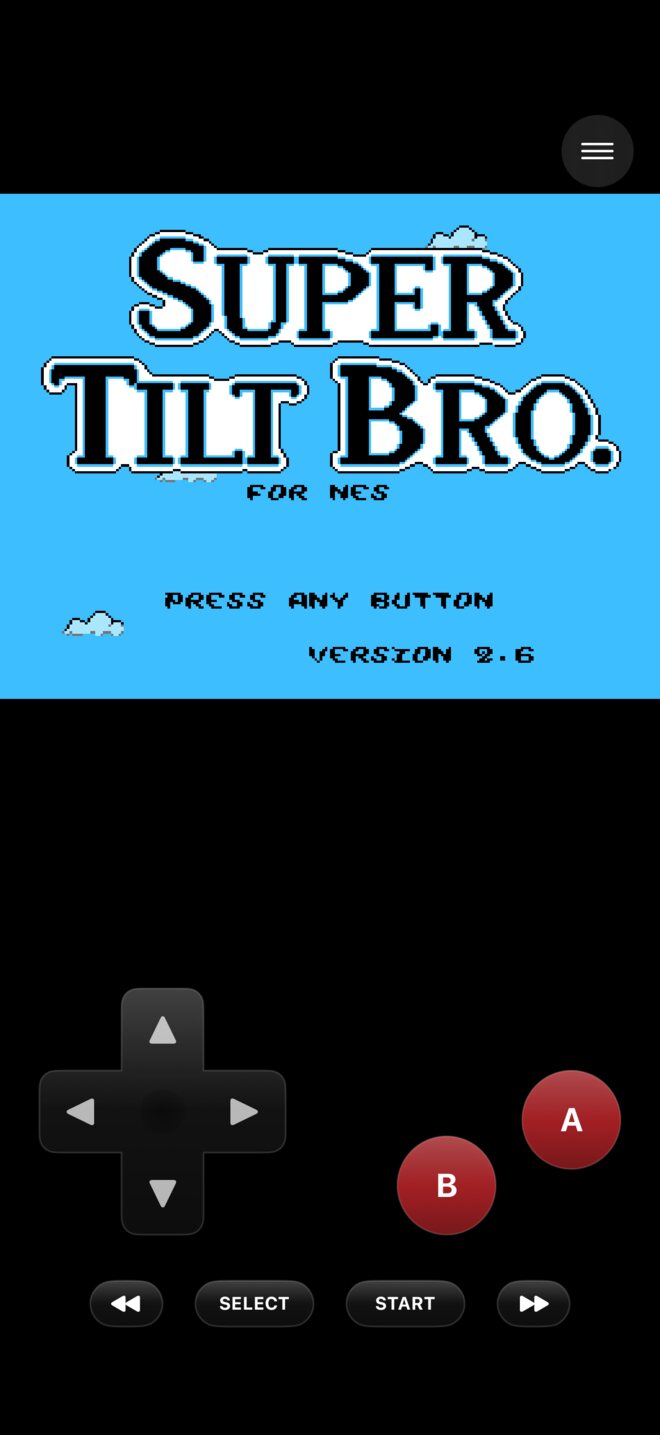
Touch controls made for each system, your own controller skins, or an Xbox, PlayStation or MFi controller with buttons you can remap.
Box art added automatically, a Recently Played row and search. Multi-disc games and cue sheets are handled for you.
Inside the app
A tidy library, controls that fit each system, and a menu that’s there when you need it and gone when you don’t.
Everything around the game
Carta fits into the rest of your iPhone, iPad and Mac, from the Home Screen to the TV.
Connect a TV or use AirPlay: the game plays on the TV and your iPhone becomes the controller.
Your last game on the Home Screen and Lock Screen, one tap from where you stopped.
Jump straight back into your last game from Control Center.
Find any game in Spotlight, or ask Siri: “Resume my game in Carta.”
Earn achievements in thousands of classic games with your RetroAchievements account.
IPS, BPS and UPS patches apply as the game loads, without changing your file.
Sharp Pixels, Smooth, CRT and LCD Grid, integer scaling, and run-ahead to take a frame of lag away.
Battery saves, save states and cheats follow you between iPhone, iPad and Mac.
Private by design
Carta doesn’t collect personal data. Your games and saves stay on your devices. Privacy policy →
Your games, saves and settings stay on your iPhone, iPad or Mac.
Sync copies saves to your own iCloud account or a folder you choose, where only you can reach them.
Carta asks thumbnails.libretro.com for pictures by each game’s name. You can turn it off.
Nothing goes to RetroAchievements unless you sign in, and signing out stops it.
iPhone, iPad and Mac
Try the six homebrew games free, then unlock Carta once on iPhone and iPad. The Mac app is free.
| Feature | iPhone & iPad | Mac |
|---|---|---|
| Price | Free download, then a one-time unlock to play your own games | Free |
| Systems | 47 | 52, adding GameCube, Wii, Saturn, Dreamcast and PlayStation 2 |
| Six homebrew games to play straight away | Included | Included |
| Save states, auto-saves, rewind and fast-forward | Included | Included |
| iCloud or folder sync for saves | Included | Included |
| RetroAchievements, cheats and ROM patches | Included | Included |
| Controls | Touch, controller skins, game controllers and keyboards | Keyboard and game controllers |
| Widget, Control Center, Siri, TV and AirPlay | Included | Spotlight and sharing |
| Ads or subscription | None | None |
The unlock is a one-time in-app purchase through your Apple Account; the price is shown in the app and may vary by country. Use Restore Purchases to unlock Carta again on another device or after reinstalling. Nintendo 3DS, PlayStation Portable and Nintendo 64 games run best on recent iPhone and iPad models. See the Terms of Use.
From the blog
Short guides on adding games, saving and BIOS files. All guides →
Import games from the Files app, as zip archives, by drag and drop, or straight into Carta’s ROMs folder, on iPhone, iPad and Mac.
Read guide →How Carta’s battery saves, save-state slots, automatic saves and sync work together so a crash or the wrong button never costs you an evening’s play.
Read guide →Some systems need the console’s own startup software before games will run. Here’s which ones, what the files are called, and where to put them in Carta.
Read guide →Support
Answers on importing games, BIOS files, controllers, sync, RetroAchievements and your purchase, plus a direct support address.
Your games are waiting
Download Carta and start with six free homebrew games in a few seconds.